Lara Translate + Claude
Connect Lara Translate
with Claude
- Translate inside every conversation — use Lara's AI translation engine directly within Claude via MCP, with no copy-pasting or tab-switching required.
- Access 200+ languages with contextual accuracy — Lara's adaptive models deliver consistent, domain-aware translations that keep pace with your conversation, not just isolated words.
- Set up once, use everywhere — once connected, Lara is available as a native capability across Claude Desktop and any MCP-compatible environment you work in.
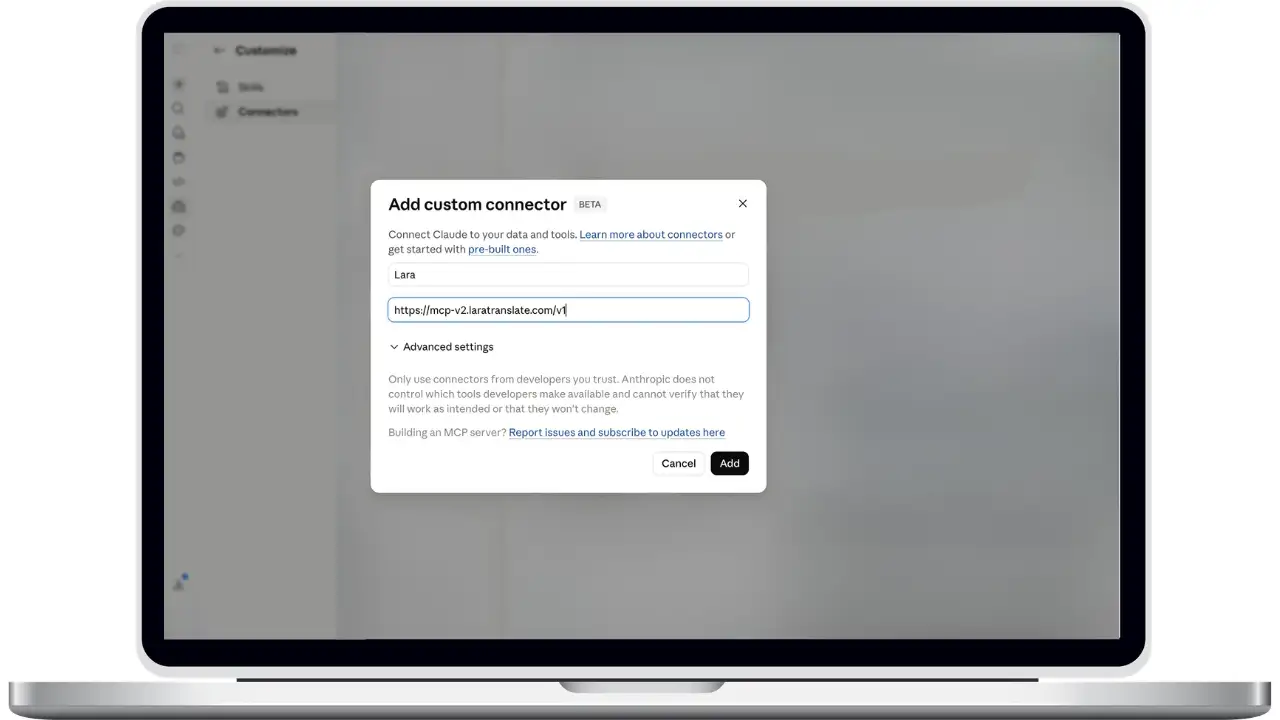
How to connect Lara Translate to Claude
Add Lara as a custom MCP connector in just a few clicks.
1
Open Connectors
Go to Settings → Connectors in Claude.
2
Add Custom Connector
Click Add Custom Connector, then enter:
Name: Lara
URL:
3
Connect & Log In
Click Add → Connect, then log in with your Lara Translate credentials in the browser window.
4
Done!
Lara Translate is now ready to use. Read documentation.
Frequently Asked Questions
Need assistance?
- For technical support and product inquiries, write to support@laratranslate.com.
- To purchase individual plans, check out our Pricing Page.