Lara Translate + Zapier

Connect Lara Translate
with Zapier
- Add translation to the apps you already automate — connect Lara once in Zapier and drop a translation step into any Zap, alongside Google Drive, Airtable, ActiveCampaign, Schedule by Zapier and thousands more.
- Text and documents, both covered — translate a field inline with Translate Text, or upload a file, poll its status and download the finished document, all inside the same workflow.
- Your memories, glossaries and style, applied automatically — every translation step can point at a translation memory, a glossary, a style preference and a privacy setting, so output matches your terminology every run.
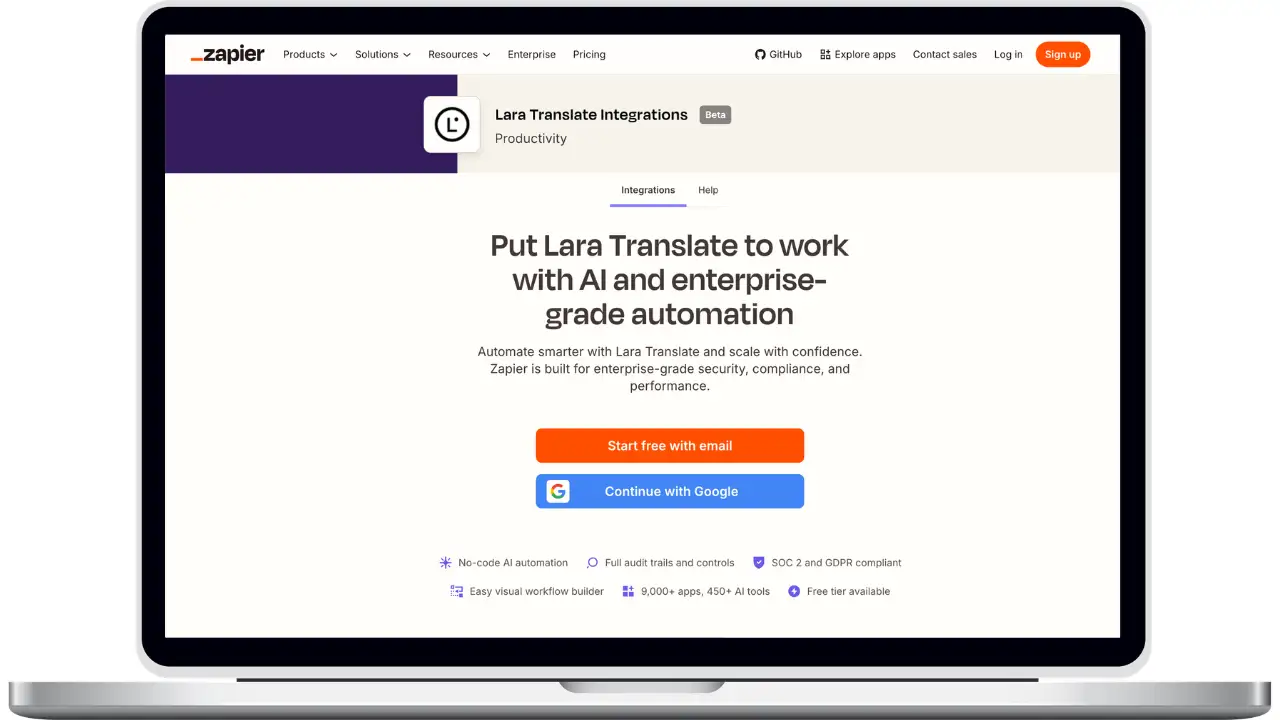
How to connect Lara Translate to Zapier
Connect Lara once with your API credentials, then reuse it in every Zap.
Generate your Lara API credentials
In Lara, go to My Account → API → Credentials and create a new key. Download the Access Key ID and Access Key Secret straight away — the secret cannot be retrieved again after you leave the page.
Add Lara Translate to a Zap
In Zapier, create or open a Zap and add an action step. Search for Lara Translate and select it.
Connect your Lara account
Click Sign in, then paste your Access Key ID and Access Key Secret. Zapier validates the credentials and stores the connection, ready to reuse in any other Zap.
Choose an action
Pick Translate Text to translate a value coming from a previous step, or Upload Document for Translation to send a whole file.
Configure the translation
Map the text or file field, set the target language — the source is detected automatically if you leave it empty — and optionally select a translation memory, a glossary, a style and a privacy setting.
Handle documents end to end
For files, follow the upload with Get Document Status until the status reads translated, then use Download Translated Document to return the finished file to the next step of the Zap.
Test and turn the Zap on
Run a test to confirm the translation comes back as expected, then publish. Every run from that point translates automatically.
Frequently Asked Questions
Need assistance?
- For technical support and product inquiries, write to support@laratranslate.com.
- To purchase individual plans, check out our Pricing Page.