
How-to Guide
Set Lara as Default iPhone Translator
Learn how to set Lara as your default iOS translation app. Translate messages, emails, and web pages instantly without switching apps.
Translate instantly across 200+ languages.
Add context, adjust tone and review quality, all in one app.
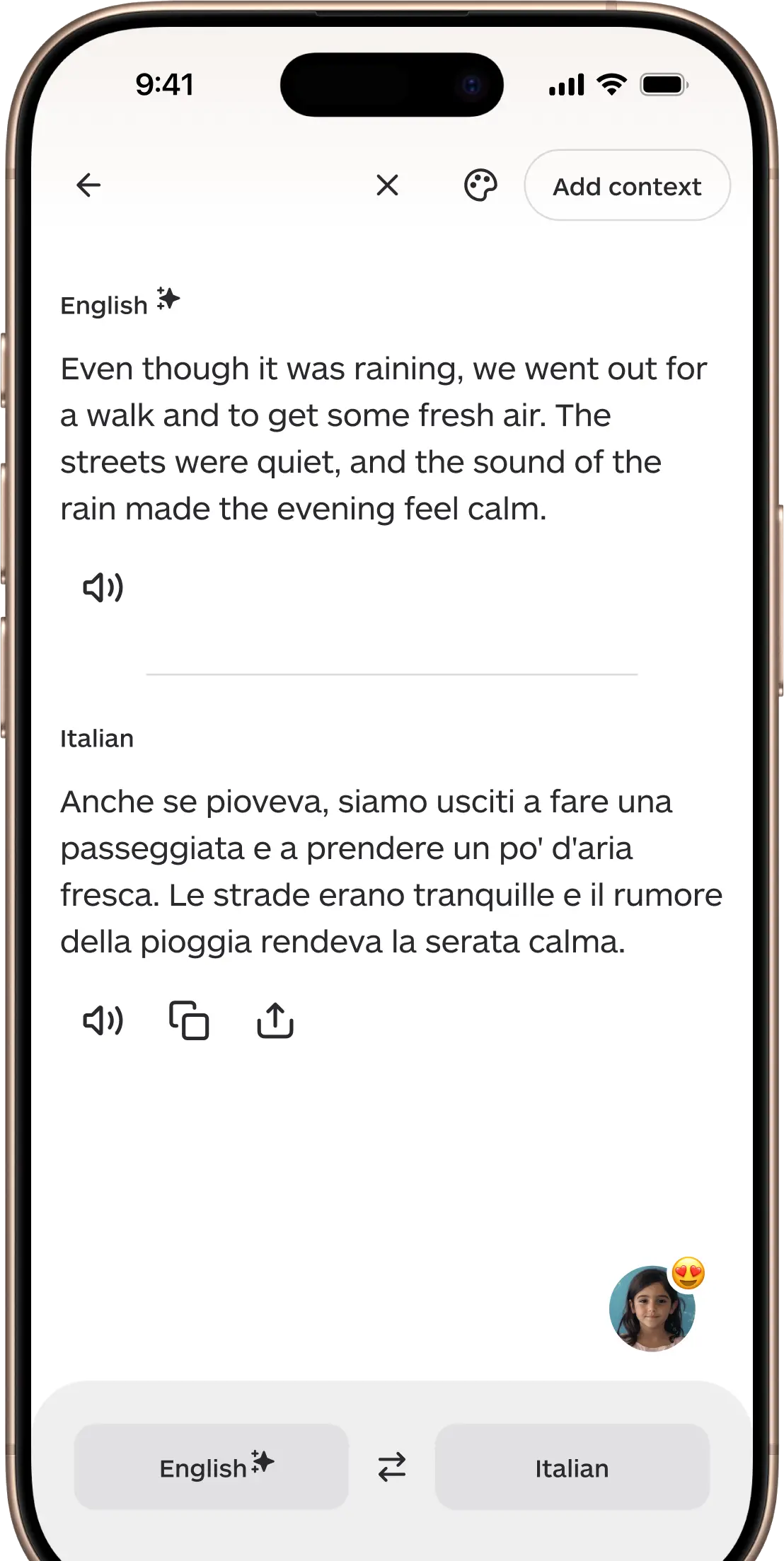
Translate effortlessly across 200+ languages with speed, accuracy, and context.
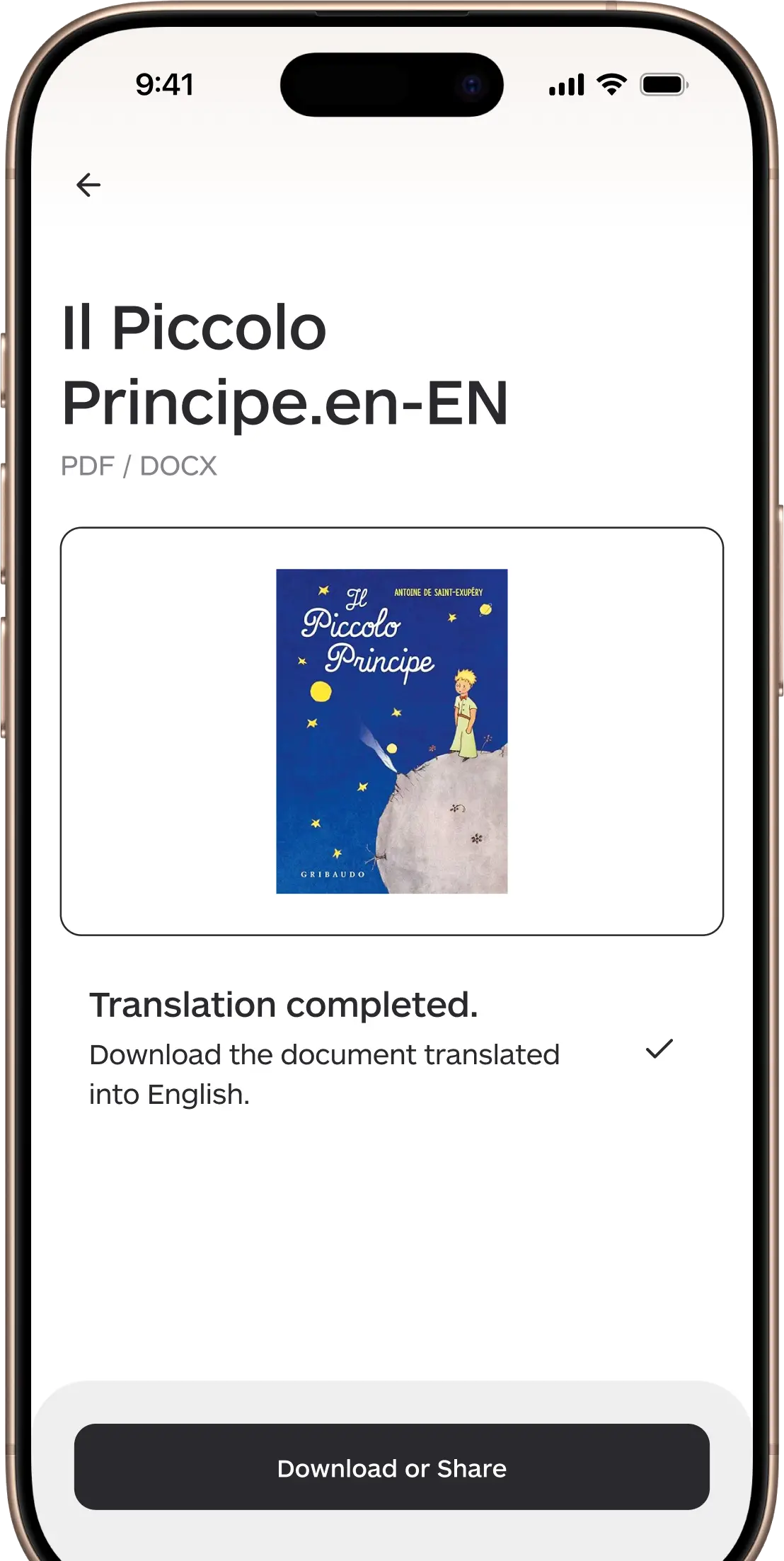
Upload PDFs or DOCX files and get fast, formatted translations ready to download and share.
Supported formats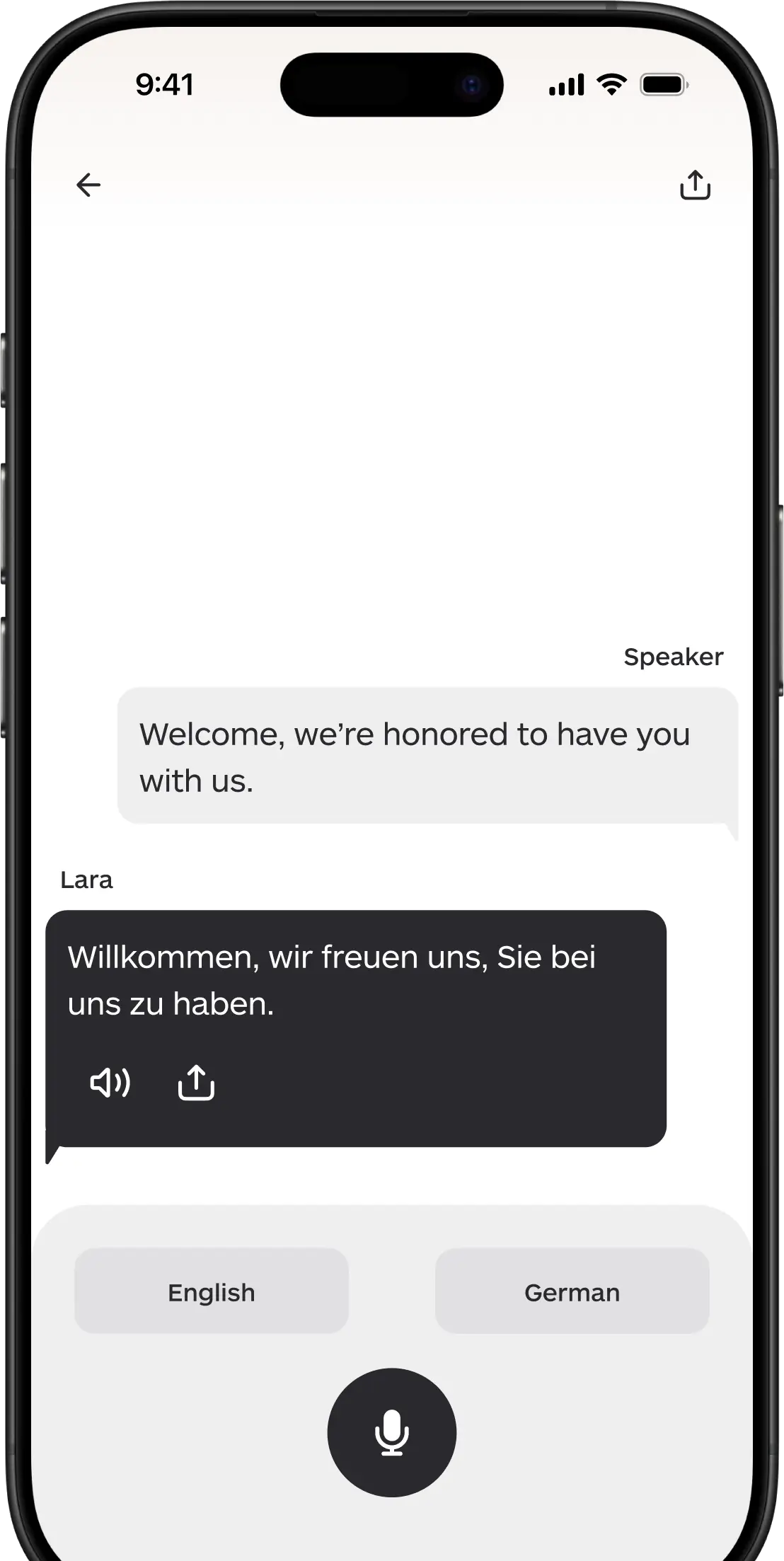
Activate interpreter mode for instant, real-time translation during meetings or everyday conversations
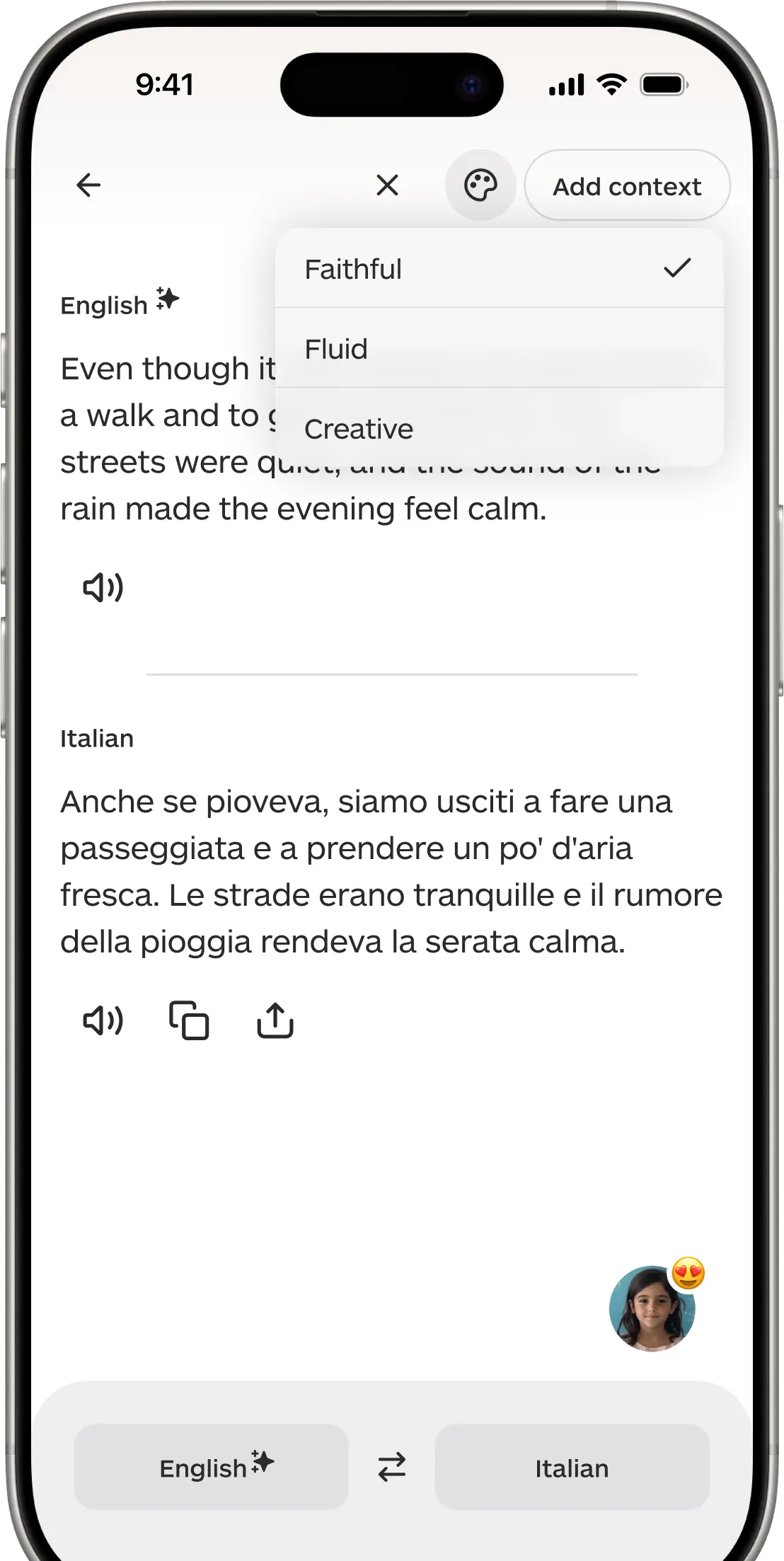
Switch between Faithful, Fluid, or Creative modes to choose the translation style that best fits your needs.
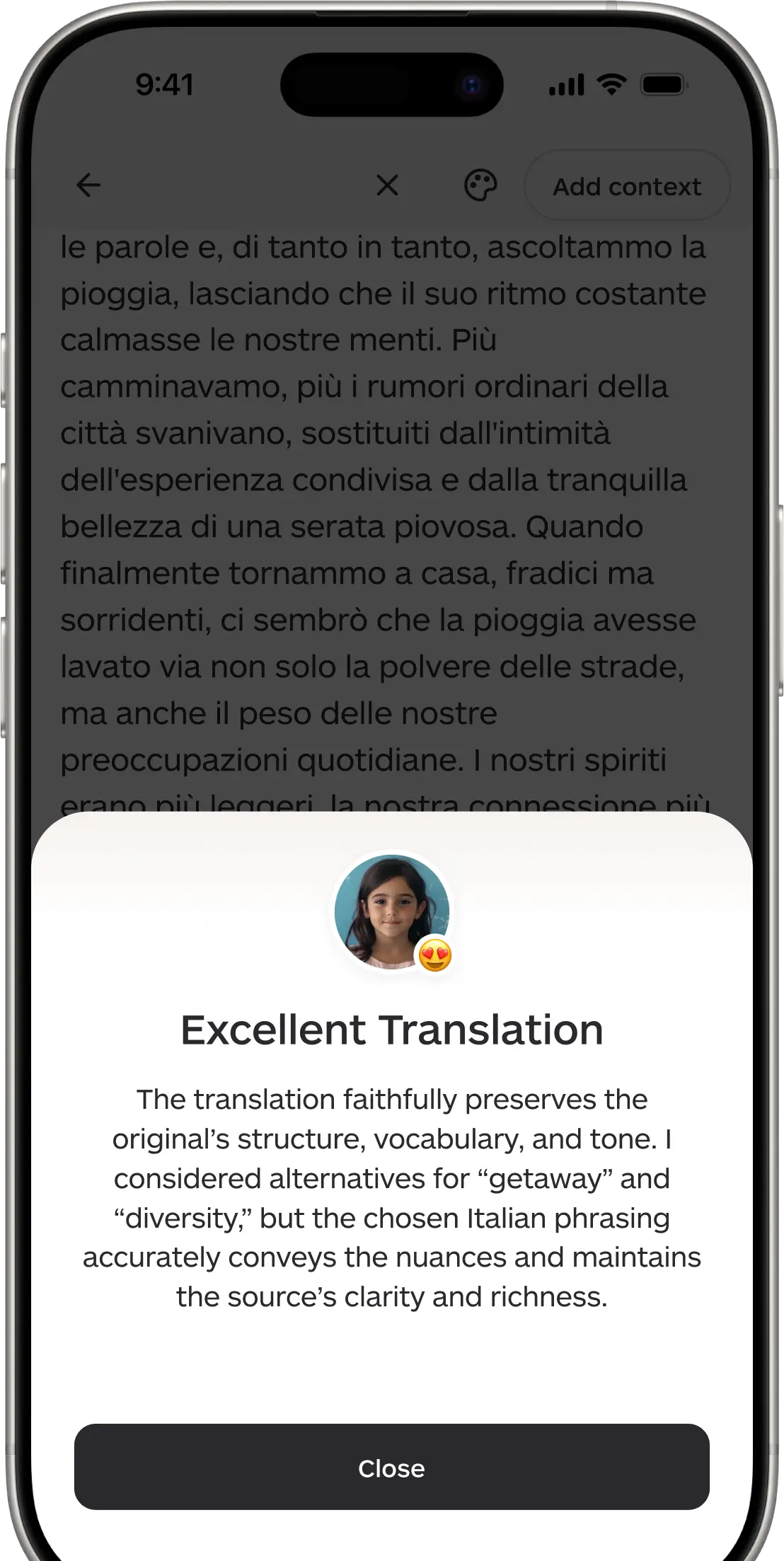
Get real-time quality insights as Lara explains tone, phrasing, and alternatives to refine your translation.
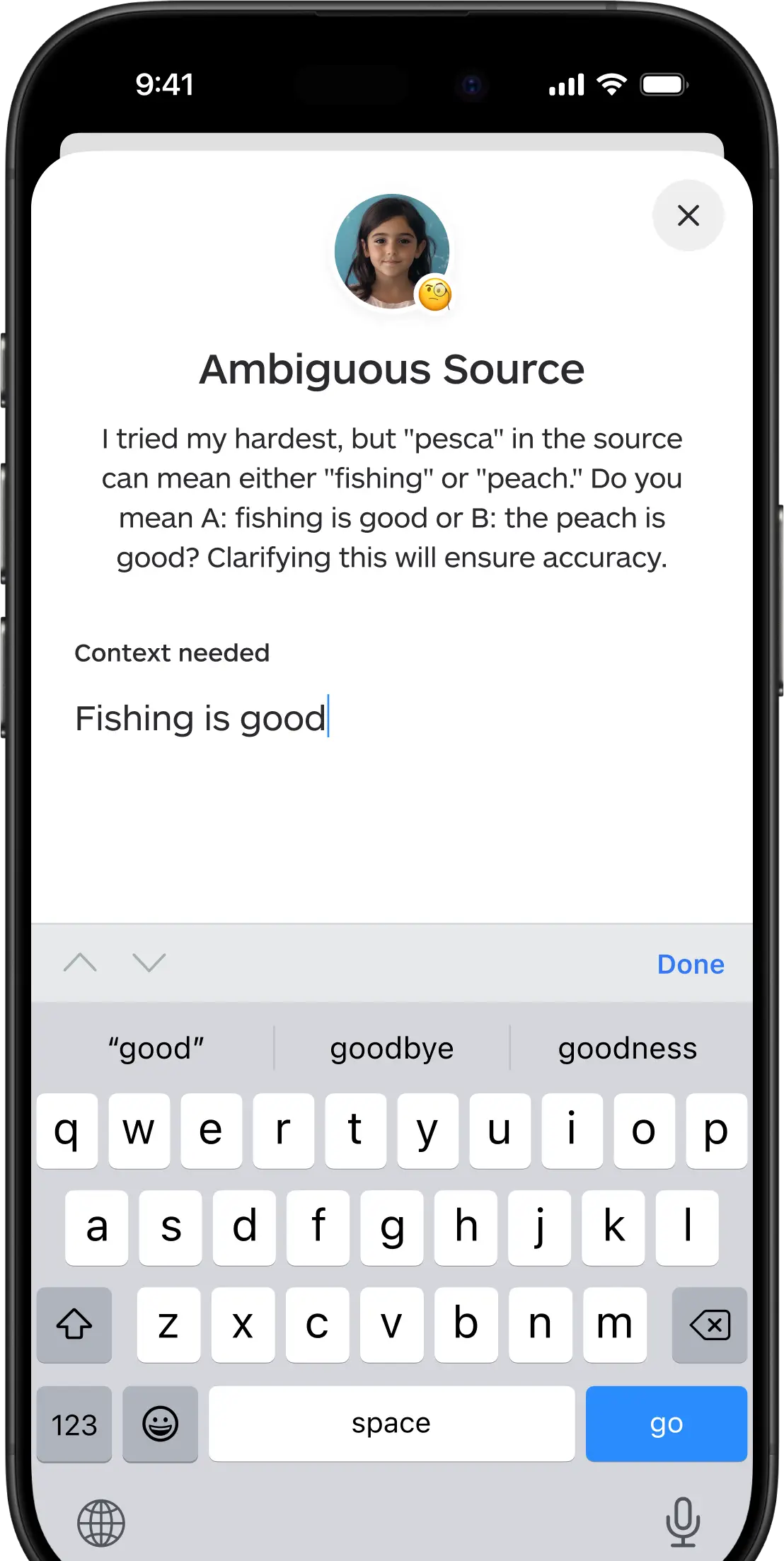
Words shift meaning with context. Lara helps you define your intent before translating.
From quick messages to professional documents, Lara Translate
helps you communicate naturally across the globe.
How-to Guide
Learn how to set Lara as your default iOS translation app. Translate messages, emails, and web pages instantly without switching apps.
Tutorial
Unlock the full power of the Lara iOS app. Step-by-step tips for file translation, real-time Interpreter mode, and tone adjustment.
Knowledge
Explore 200+ supported languages and 42,000+ pairs. Get context-aware AI translations for global business and regional dialects on iOS.