Lara Translate + Langdock
Connect Lara Translate
with Langdock
- Translate inside every agent and workflow — connect Lara via MCP and get professional-grade translation on demand, without copy-pasting or switching tools.
- 200+ languages with contextual accuracy — Lara's adaptive models handle domain-specific terminology so Langdock agents stay accurate from the first message.
- One OAuth connection, always available — once configured, Lara runs as a persistent capability inside Langdock, ready whenever a translation task comes up.
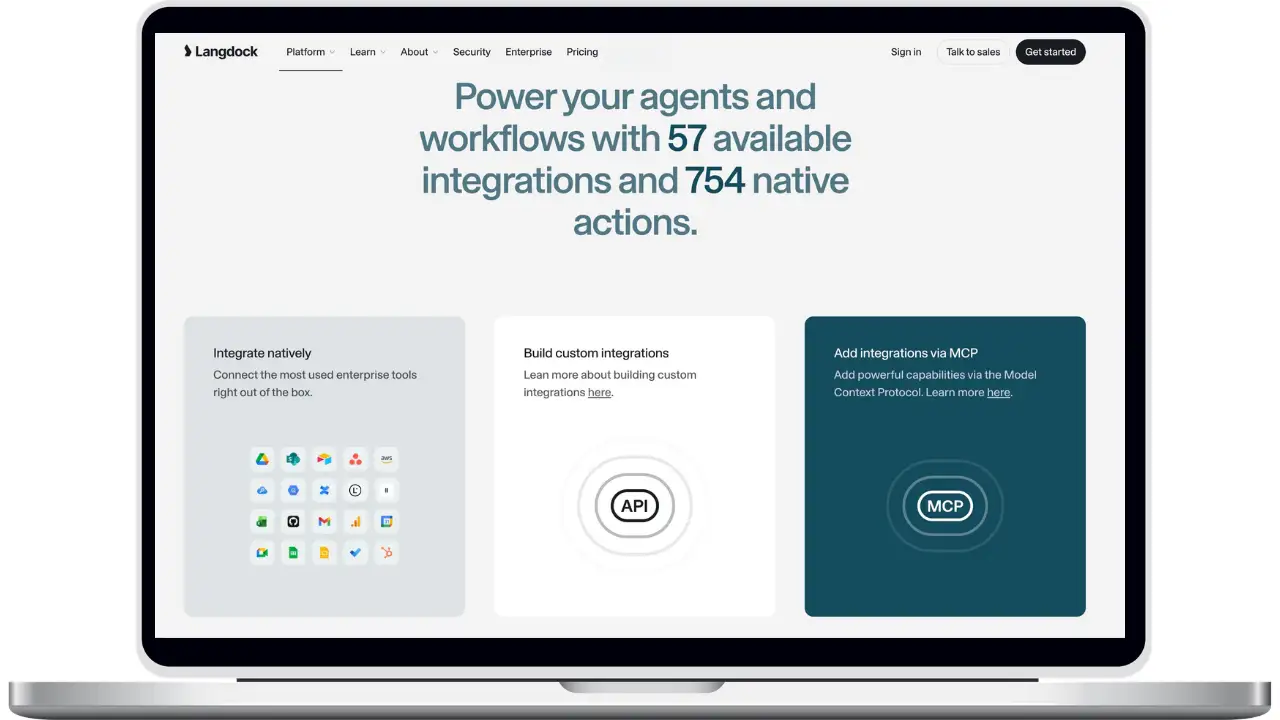
How to connect Lara Translate to Langdock
Add Lara as a remote MCP server with OAuth 2.0 — no API keys to paste.
Open Integrations
In Langdock, click your profile icon in the bottom-left corner and select Integrations.
Add the Lara MCP Server
Click Add integration (top right) → Start from scratch. Under Type, select Connect remote MCP.
Enter the server URL , choose OAuth 2.0 (Dynamic Client Registration), then Create and connect.Authenticate with Lara
A login window opens. Sign in with your Lara Translate credentials (email and password, or Google / Apple / SSO) to authorize the connection.
Enable Lara's tools
On Configure MCP client, click List Server Features. Enable the actions you need — Translate, Detect language, List languages, List memories, Create memory, and more. Optionally toggle Ask for confirmation, then Save.
Use Lara in agents or workflows
Lara Translate is now an integration in Langdock. Add its enabled actions to any agent or workflow that needs high-quality, context-aware translation.
Frequently Asked Questions
Explore other integrations
All integrationsNeed assistance?
- For technical support and product inquiries, write to support@laratranslate.com.
- To purchase individual plans, check out our Pricing Page.